Free Online Image Editor - No Upload Required
Resize, crop, compress, and convert images instantly in your browser. Your photos stay 100% private - nothing is ever uploaded to our servers.
or, drag and drop images here
Supports: JPG, PNG, WEBP, GIF, BMP, TIFF
Why Choose ImageToolsPro?
Professional-grade image editing tools that respect your privacy and deliver exceptional results.
Professional Quality Results
Advanced algorithms ensure your images maintain crystal-clear quality at any size. Perfect for print, web, and social media.
Lightning Fast Processing
Browser-based technology processes your images in milliseconds. No waiting for uploads or server processing.
Intuitive & Easy to Use
Designed for everyone - from beginners to professionals. Simply upload, adjust, and download. No learning curve required.
Works on Any Device
Access from Windows, Mac, Linux, iOS, or Android. No software installation needed - just open your browser and start editing.
100% Private & Secure
Your images never leave your device. All processing happens locally in your browser. We can't see your files - ever.
Completely Free Forever
All tools are free with no hidden costs, no registration required, and no watermarks on your images. Unlimited usage.
Instant Format Conversions
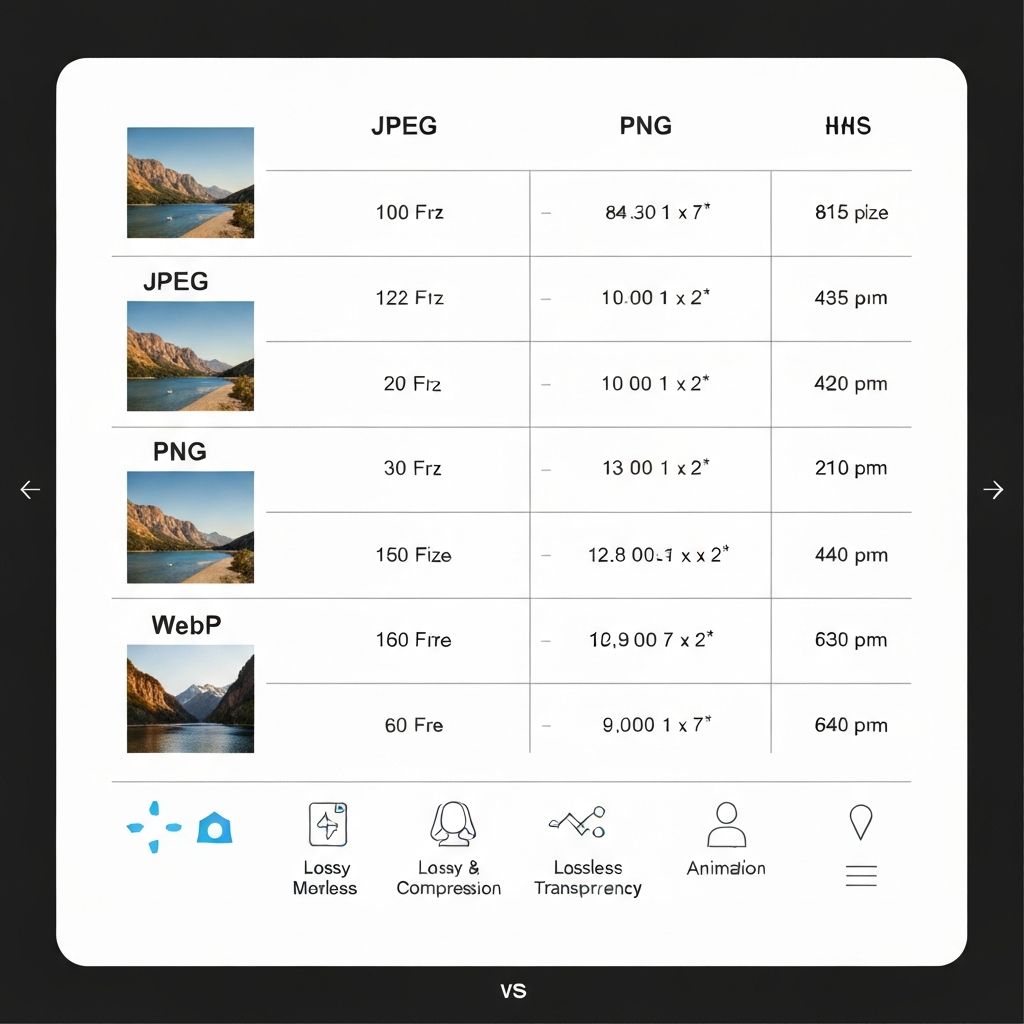
Convert your images between popular formats instantly. Support for JPG, PNG, WebP, GIF, and BMP.
How It Works
Edit your images in three simple steps - no technical knowledge required.
Upload Your Image
Click "Select Images" or drag and drop your files. We support JPG, PNG, WebP, GIF, and BMP formats.
Customize Settings
Set custom dimensions, choose quality levels, or use preset sizes for Instagram, Facebook, Twitter, and more.
Download Instantly
Your processed images are ready immediately. Download individually or batch download as a ZIP file.
Frequently Asked Questions
Quick answers to common questions about our image editing tools.
Is ImageToolsPro really free to use?▼
Yes, ImageToolsPro is 100% free with no hidden costs. All tools are available without registration, there are no watermarks on your images, and you can use them as many times as you want.
Are my images uploaded to your servers?▼
No, your images are never uploaded anywhere. All processing happens directly in your browser using JavaScript. Your files never leave your device, ensuring complete privacy and security.
What image formats are supported?▼
We support all major image formats including JPEG, PNG, WebP, GIF, and BMP. You can also convert between these formats using our conversion tools.
Can I process multiple images at once?▼
Yes! You can upload and process multiple images simultaneously. When downloading, you can choose to download them individually or as a convenient ZIP file.
Does it work on mobile devices?▼
ImageToolsPro is fully responsive and works on any device with a modern web browser - smartphones, tablets, laptops, and desktop computers.